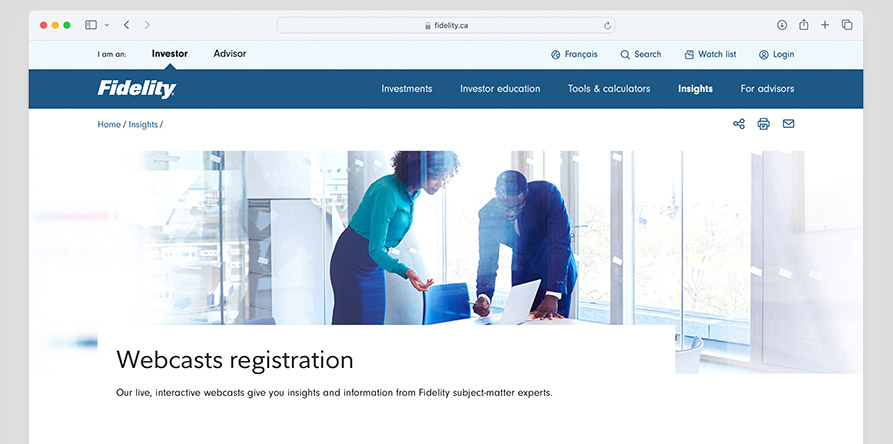
Watch FidelityConnects on Zoom
Familiarize yourself with the platform so you can tune in daily. Read the Q&A below to ensure you have the best viewing experience.
Q. How do I join FidelityConnects webcasts on Zoom?
A. Please follow the steps below to ensure you have a seamless viewing experience.
- Registration – Use this form to input your information. You will receive an email invite from Fidelity Investments Canada with links to register for all weekly shows.
- Confirm your seat – You will receive a confirmation email from Fidelity Investments Canada. All webcast events will automatically appear in your calendar.
- Reminder – You will get a reminder by email and/or text one hour before the webcast.
- Joining – Use your unique link in the confirmation email to join the webcast.
- Verification code: Zoom Events may prompt you for multifactor authentication. Please use the step-by-step guides: job aid or video.
- Desktop/laptop: If you don’t have the Zoom app, consider Google Chrome for the best experience.
- Mobile/tablet: Download the Zoom app from Apple Store/Google Play; an account may be required.
- Viewing and engaging with presenters and the community –
- Q&A, chat and polling – Ask questions, share ideas and participate in the conversation.
- Live closed captioning – Live closed captioning transcription and translation are available in more languages.
Q. I have show ideas, or need support. Whom can I contact?
A. If you have any questions, comments or suggestions, please contact the FidelityConnects Experience team at fidelity.connects@fidelity.ca. A member of our team will respond as soon as possible.